Voce.
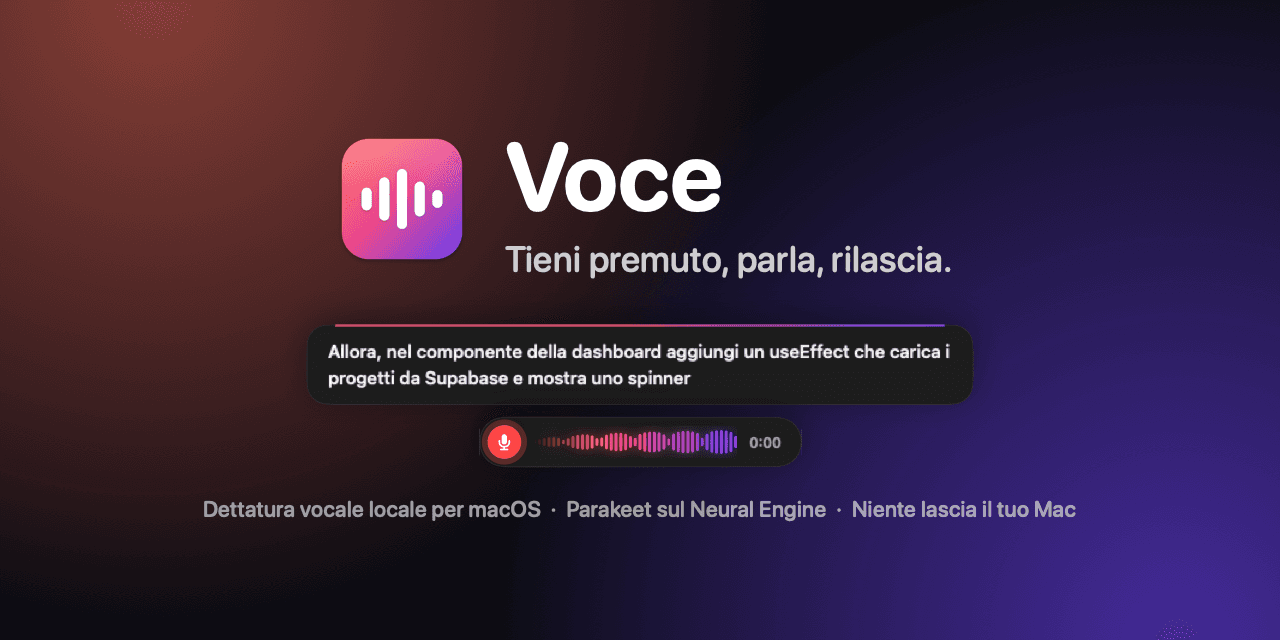
Voice dictation for macOS that runs entirely on your Mac. I built it to give instructions to AI agents by voice instead of by keyboard: the text appears where you’re typing, already clean, with technical names spelled right.
- v1.0.0
- MIT
- macOS 15+ · Apple Silicon
Why
Speaking is faster than typing.
I work with Claude Code, Cursor and other agents every day. Most of the job is explaining well what I want — and typing it is exactly the slow part.
The dictation tools I tried sent audio to a server, wrote “use effect” instead of useEffect, or had an AI rewrite the text and sometimes answer the prompt instead of transcribing it. So I built the one I needed.
Private
Speech recognition happens on the Mac and works offline. Audio never leaves the computer.
Fast
About 60 milliseconds to transcribe 5 seconds of speech on an M2 Mac. When you release the key, the text is already there.
Faithful
In terminals and code editors it pastes exactly what you said, with technical terms written the way you write them.
How to use it
One key, no windows.
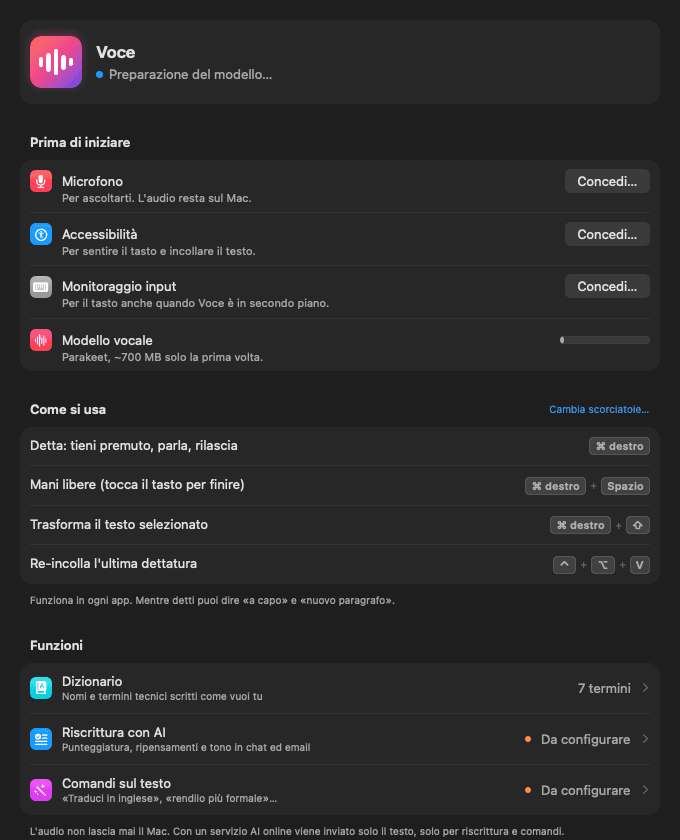
Voce lives in the menu bar and works in any app. The key can be changed: right ⌥ or ⌃, Fn, F1–F20, the 🎤 key or any combination.
- Hold right ⌘
- Dictate while you hold it. On release the text is pasted.
- Right ⌘ + Space
- Hands-free: dictate without holding anything. Press again to finish, Esc to cancel.
- Right ⌘ + ⇧ on a selection
- Command: say what to do with it — “translate to Italian”, “make it more formal”.
- ⌃⌥V
- Paste the last dictation again.
- “new line”, “send”
- Voice commands in English and Italian: new line, new paragraph, Enter.
Features
What it does.
Knows your jargon
A personal dictionary (Supabase, useEffect, kubectl…) guides recognition and fixes the words it often gets wrong.
Adapts to the app
In terminals and editors it pastes the literal text; in chat and email an AI can polish it, only if you want.
See what you’re saying
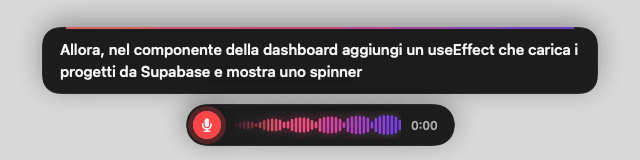
While you speak, the text appears above the waveform: it helps you order your thoughts before releasing the key.
English and Italian
Even mixed in the same sentence, with voice commands in both languages.
Meetings
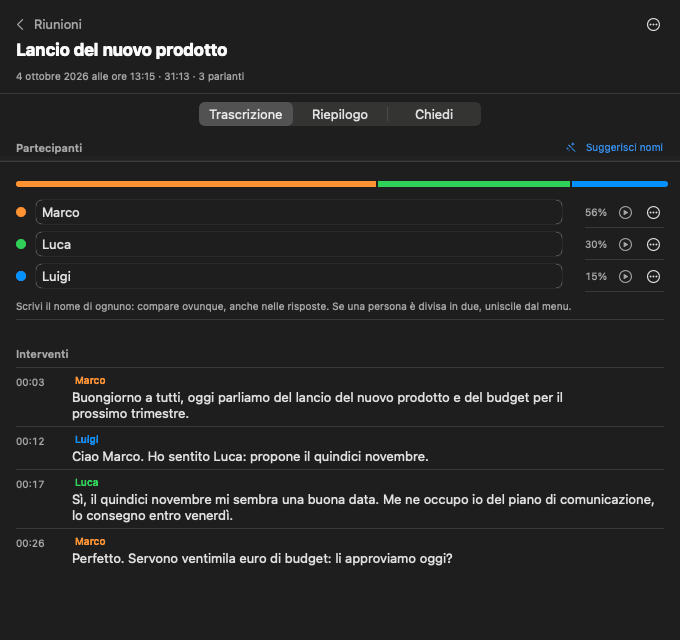
Records the mic and the Mac’s audio, transcribes, tells speakers apart and answers questions about the meeting.
Custom prompts
Every instruction given to the AI can be read and edited, with a live test and a reset to default.
How it works
How it works.
The path of a dictation, from the key to the app you’re typing in. The model is NVIDIA Parakeet, running on the Mac’s Neural Engine through FluidAudio.
The key
A global event tap catches the key even when Voce is in the background, and warms up the model.
The audio
Microphone at 16 kHz; long dictations are cut at pauses and transcribed while you’re still speaking.
Recognition
Parakeet TDT on the Neural Engine, guided by your dictionary. The same model drives the live preview.
Clean-up
Rules for hesitations, punctuation and line breaks; the optional AI only outside terminals and editors, with checks that discard it if it answers instead of transcribing.
Insertion
Clipboard and ⌘V, with the clipboard saved before and restored after. In terminals line breaks become ⇧↩.
Built with
- Swift 6.2
- SwiftUI
- Core ML
- NVIDIA Parakeet
- FluidAudio
- Core Audio
Install
Try it.
Open Terminal and paste this line: it downloads the latest version, copies it to Applications and opens it. On first launch a window walks you through the permissions and downloads the speech model, once.
curl -fsSL https://raw.githubusercontent.com/Gigyo96/voce/main/scripts/install.sh | bashYou need
- Mac with Apple Silicon (M1 or later)
- macOS 15 Sequoia or later
- ~700 MB for the speech model
Contact
Need a tool like this?
I build custom software that uses AI where it helps and keeps it out where it doesn’t. Tell me the problem in a free half-hour call.